Vuhuru

Google Cloud: the signing up process


Step 1

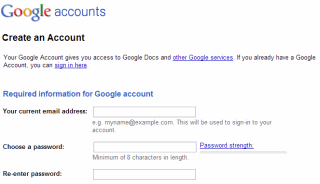
If you don't already have a Google account, you will need to sign up for one

You can sign up for one here - https://accounts.google.com/


Step 2

Once you have a Google account, or if you already have one, you need to be signed in

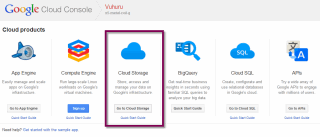
Then visit cloud.google.com/console and select Cloud Storage from the options

Step 3

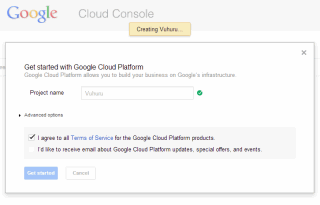
Google will then take you through a process to create a project

Name the project something memorable so you know where you have stored your content

Step 4

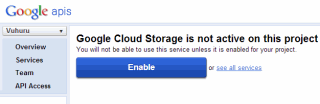
Once you have created your project, select the project from the drop down and click Enable Cloud Storage

Step 5

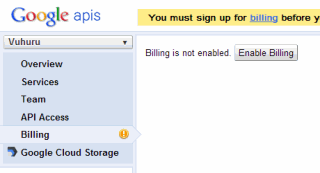
The final step in setting up your account is to enable billing

You need to enter credit card details so your account can be billed

These can take a while to be verified, and you will not be able to upload content until then

Once billing is active the orange message will disappear and you will be able to upload media

© 2012 - 2026 Vuhuru Ltd. All Rights Reserved. Reproduction without permission prohibited.
Vuhuru 1-003