Create a Blob, Upload a File and Get the File Location - Windows Azure
Windows Azure works slightly differently to Google Cloud, RackSpace and Amazon S3; as they all have their own uploader and dashboards where you can create folders, and upload files
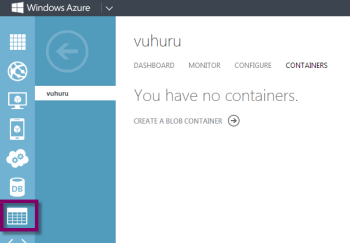
Instead, with Windows Azure, what you first must do is create a blob (like a folder) in their storage service
Then you need to download an uploader package such as CloudBerry for Azure on a PC and use that to create folders, upload files and get file locations
This guide follows the PC version using CloudBerry Lab free version for Azure
Step 1
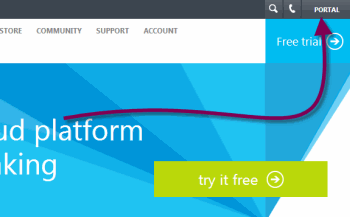
To create a blob, login to the Windows Azure portal at http://www.windowsazure.com
Click on Portal in the top right corner and login to your account
|
|