In order to use Azure, you will need a Microsoft account
You can sign up for one here - https://signup.live.com/signup.aspx
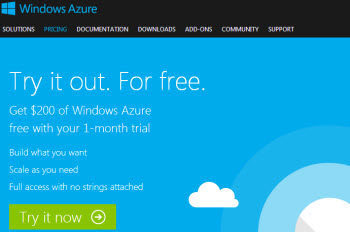
Once signed up, visit http://www.windowsazure.com and click on try it free or sign up
Then follow th esign up forms, enterig any further details required including payment details (ie credit card details)
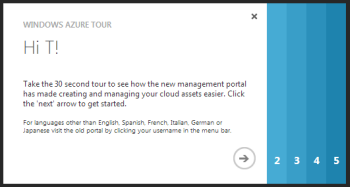
Once you have entered payment details, you are invited to take a quick tour
We recommend you follow their 5 quick steps to get acquainted with the Azure dashboard
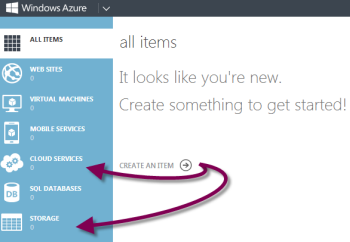
Once you exit the tour, you need to launch a Storage Service and a Cloud Service
Click on the buttons on the left side and follow the steps to create a new service
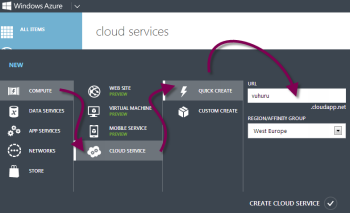
When you click on the button, a new dashboard pops up from the bottom of the screen
Click on Quick Create with the lightning icon
Give your service a name, choose its location and click Create
(This image shows creating a Cloud Service)
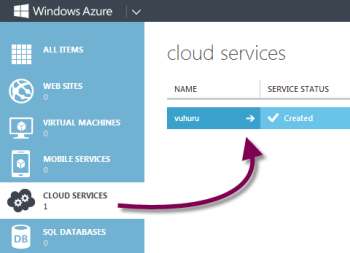
Once created you get a confirmation message
Repeat Step 4 to create a Storage Service
You are then ready to create a blob and start uploading files