Vuhuru

How to create a player

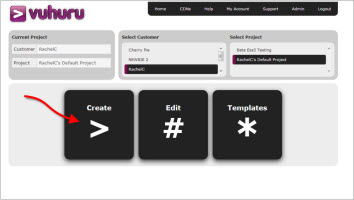
Step 1 - From the homepage

How to create a video for your MP4 video or MP3 audio

Click on the large Create Player button in the home page

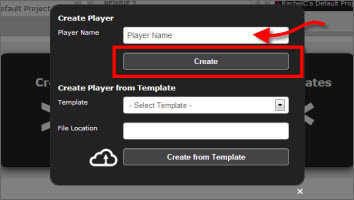
Step 2 - In the pop-up

The settings pop up will appear

Enter a player name (this is so you can tell one player from another and is only visible in your account)

Click the Create button

Step 3 - The Vuhuru Video Dashboard

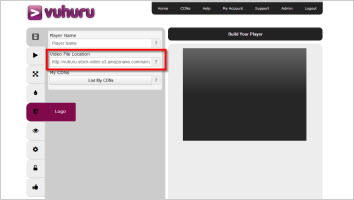
You will now see the Vuhuru Video Dashboard

Here you can apply all the settings for your video player

The most important is to enter your video URL (highlighted in red in the image)

Click on the tabs to apply other settings

Step 4 - Build your player

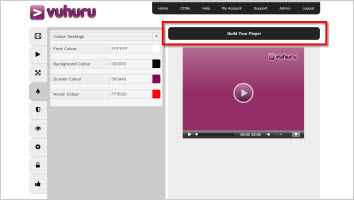
As you apply changes, the preview will change in the right hand side

This is how your video will look on your webpage

Once you have applied all the settings you want, just click on Build Your Player at the very top of the dashboard (highlighted in red in the image)


Step 5 - Preview your player

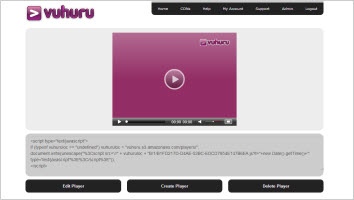
You can now preview your player exactly as it will appear on your web page

Press the play button to view your video and any Mid-Action or End-Action video enhancements you have added

When you have created your player you will want to embed it on your website - learn how to embed your player here

© 2012 - 2026 Vuhuru Ltd. All Rights Reserved. Reproduction without permission prohibited.
Vuhuru 1-003