If you have just created a player, go to Step 3.
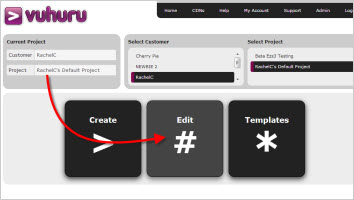
For existing players, select your project in the homepage and then click on the big Edit Player button.
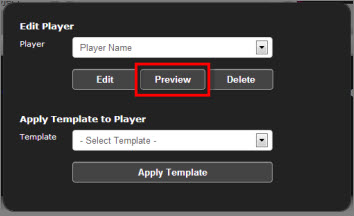
Select your player from the dropdown.
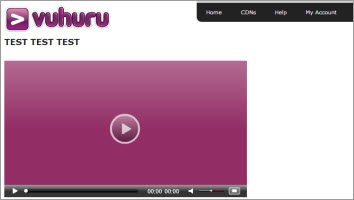
Click on Preview.
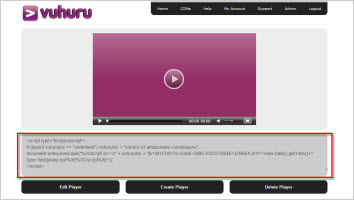
Your embed code shows below the player.
Select it all and copy it.
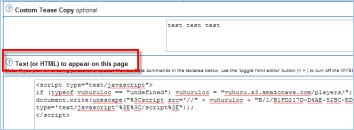
Paste your embed code into the HTML or text editor of your webpage management software.
Make sure that you toggle any WYSIWYG editors so that it doesn't break the code.
View your player on your website!
Any changes you make to the player at Vuhuru will be automatically pulled through to your webpage - so you won't need to re-embed if you make changes.