Go to My Account -> My Plugins
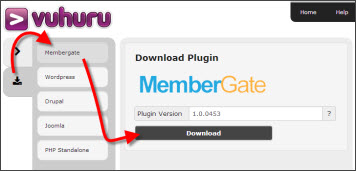
Click on the download arrow
Select the MemberGate plugin from the list
Click download
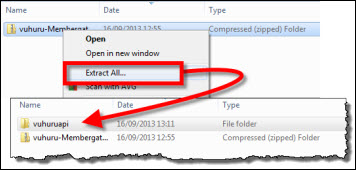
Navigate to your download folder or wherever you have downloaded the plugin file
Unzip the folder to show the vuhuruapi file
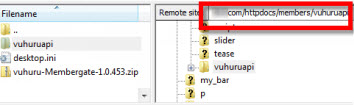
Open an FTP program such as FileZilla
Upload the vuhuruapi file to YOURDOMAIN/httpdocs/members/
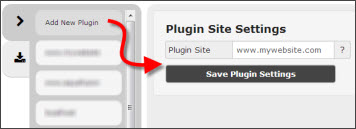
Generate a pair of keys to activate your plugin
Follow this separate guide if you do not know how to generate keys - Keys Guide
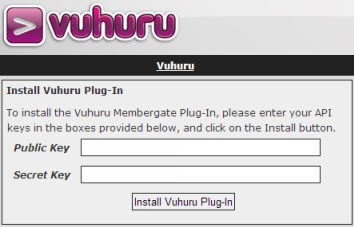
Go to http://www.YOURDOMAIN.com/members/vuhuruapi/cfcs/install.cfm
Paste in the keys that you generated in Step 4
Your plugin is activated!
Follow this tutorial on creating and embedding players