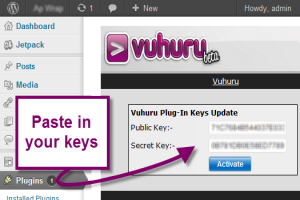
To activate your plugin you need to generate a pair of keys - this keeps your account data private.
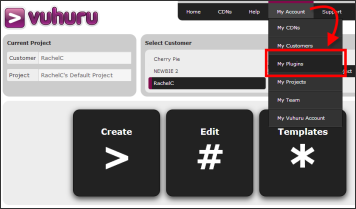
Start by clicking on My Account and then select My Plugins.
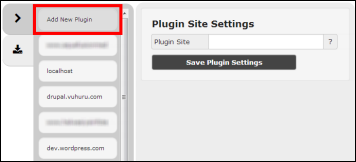
You go to the My Plugin Sites management page.
Click on Add New Plugin.
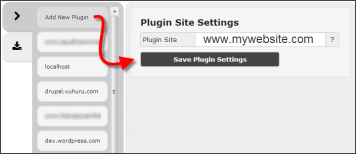
Enter the URL of your website into the box.
Then click Save Plugin Settings.
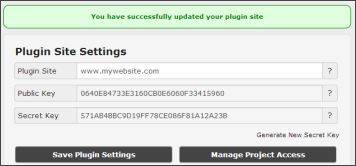
Your new pair of keys is generated.
Just copy and paste the keys into your activation page at your website.