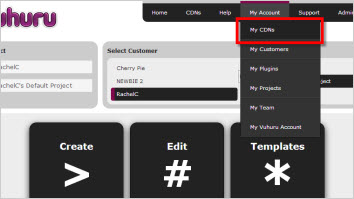
Go to back to the homepage and click on Create Player.
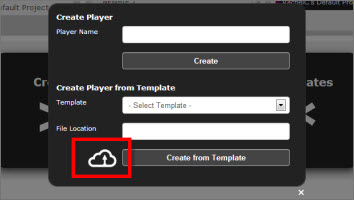
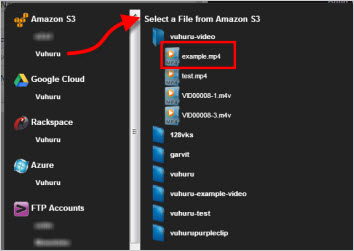
Select the My CDNs cloud icon from the pop-up.
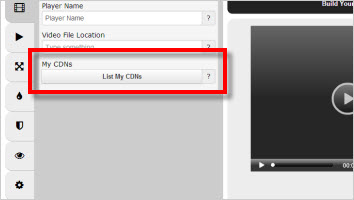
Click on the CDN you wish to navigate and folders/files are listed in the right hand side (see image 5).
Navigate to the MP4/MP3 you want and click it to select.
Then enter a player name & select Create to go to the Vuhuru Video Dashboard.
Create your player as normal.
(Or, to create a player with a template, just select the template from the drop down and click Create from Template.)