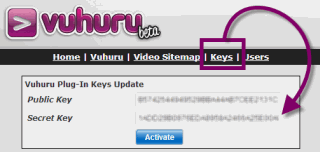
To keep your account data private you need to ensure that you never share your keys. If you need to generate a new secret key, this guide shows you how.
Step 1
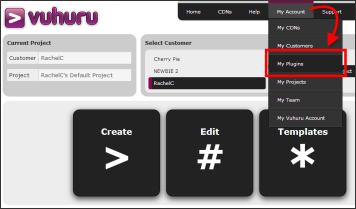
Start by clicking on My Account and then select My Plugins.
Step 2
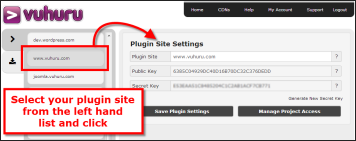
You go to the My Plugin Sites management page.
Select your website from the drop down list.
Step 3
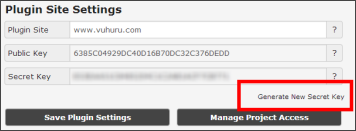
Your current pair of keys shows.
Click on Generate New Secret Key.
Step 4
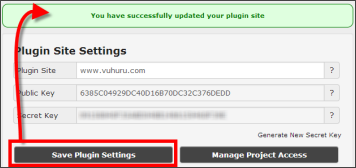
Click on Save Plugin Settings to save the changes.
Step 5
Copy and paste your new Secret Key into your plugin to update on your website.